Detailed photo-style PNG
1003.1 KiB PNG → 66.4 KiB AVIF
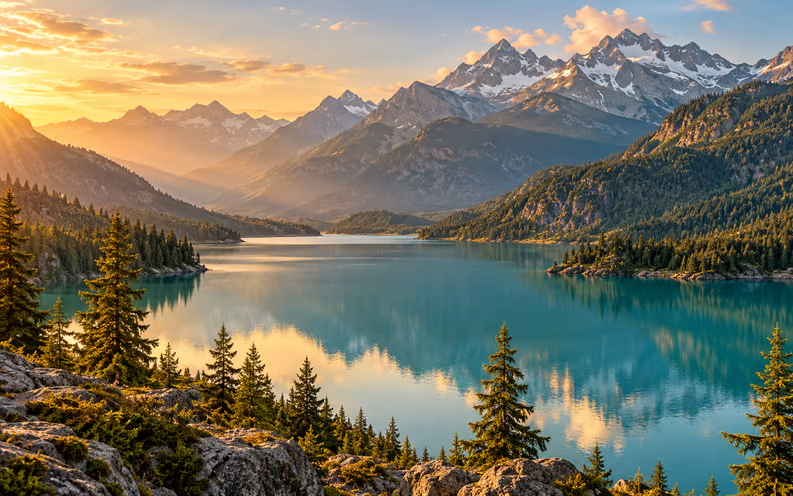
93.4% smaller. Detailed landscape image — compare sky gradients and fine textures.
FREE ONLINE IMAGE CONVERTER
Convert PNG images to AVIF directly in your browser. Reduce file sizes, preserve transparent backgrounds, choose AVIF quality, and download results individually or in a ZIP without uploading files.
Three quality presets · Transparency · Batch ZIP
Savings depend on the image and quality setting. Photos and complex images usually shrink the most.
Supports .png files · No signup required · Convert multiple files · 25 MB and about 24 megapixels each · Up to 20 files or 100 MB at a time
Your files stay on your device and are never uploaded to our server.
THREE STEPS
Drop files here or select them from your device. Conversion starts automatically.
Pick High, Balanced, or Smaller file to balance image quality and size, then the files convert again with the new setting.
Download each AVIF file or get all ready results in a ZIP.
CONVERTER SPECS
Key formats, quality options, limits, and privacy details for this converter.
| Input / output | PNG (.png) → AVIF (.avif), including transparent images |
|---|---|
| Quality settings | Smaller file (40), Balanced (60, default), or High (80) |
| Desktop limits | 20 files, 100 MB per batch; 25 MB and 24 MP per image |
| Mobile limits | 10 files, 50 MB per batch; 10 MB and 12 MP per image |
| Privacy & downloads | Processed locally in your browser (no uploads). Download single AVIFs or a batch ZIP — free, no sign-up. |
REAL FILE RESULTS
Download the three PNG samples and their converted AVIF files to inspect transparency, sharp text, and real file sizes — or run any of them through the converter above at your own quality setting.
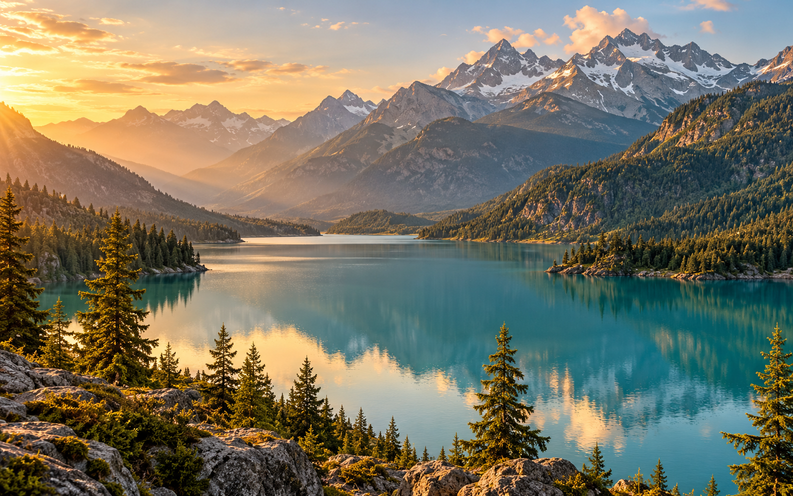
1003.1 KiB PNG → 66.4 KiB AVIF
93.4% smaller. Detailed landscape image — compare sky gradients and fine textures.
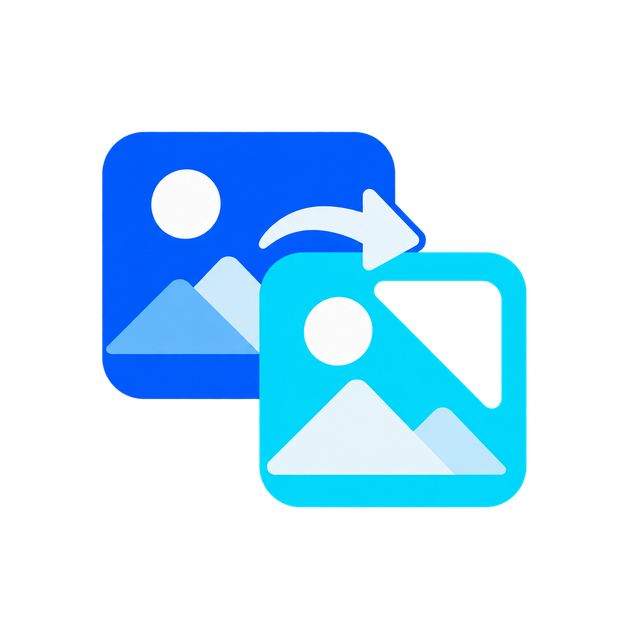
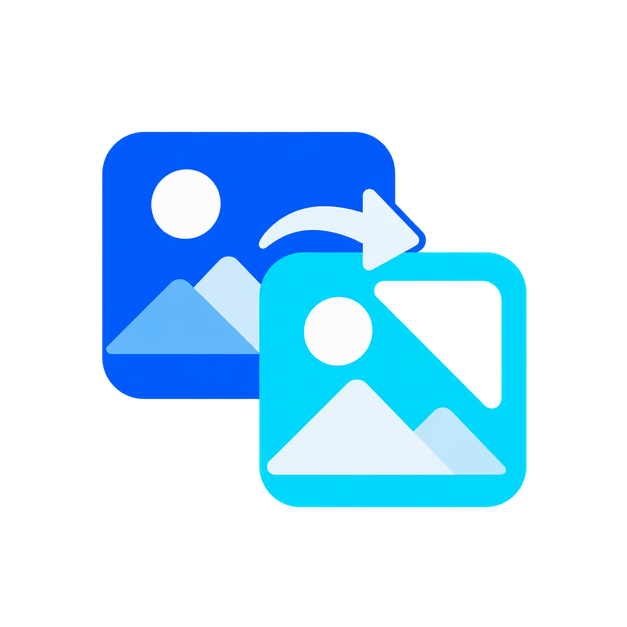
135.7 KiB PNG → 9.9 KiB AVIF
92.7% smaller. Transparent logo — check smooth edges on light and dark backgrounds.
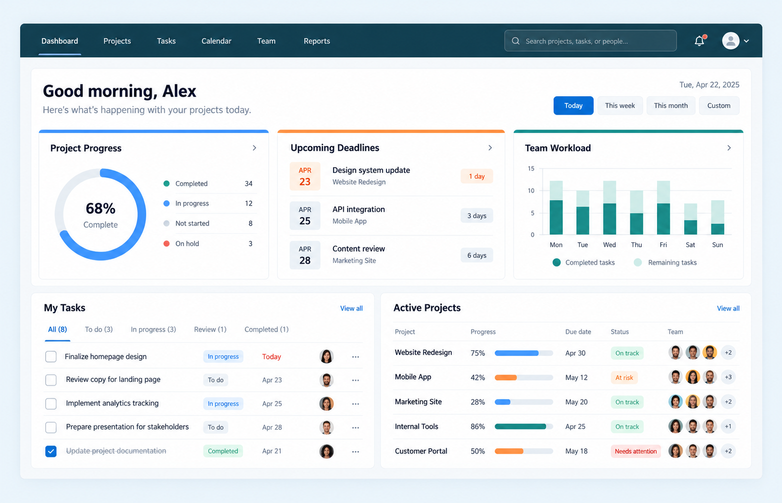
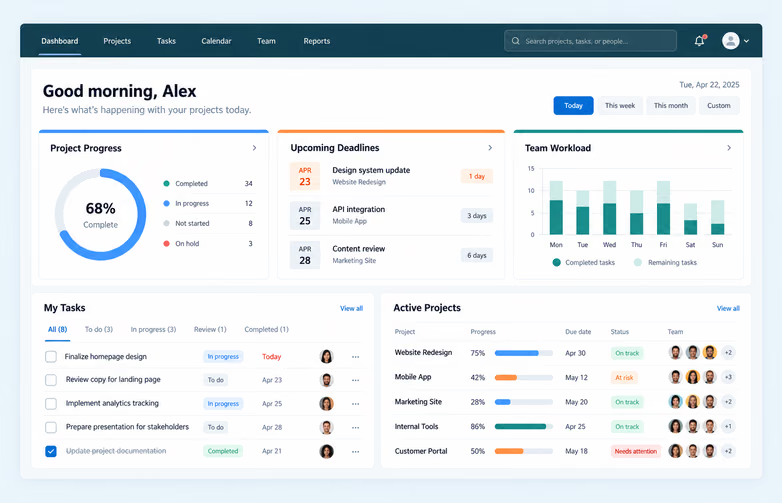
383.0 KiB PNG → 23.5 KiB AVIF
93.9% smaller. UI screenshot — inspect small text, thin lines, and crisp borders.
TRANSPARENCY
AVIF keeps transparent backgrounds, so transparent areas in your PNG stay transparent after conversion.
When your PNG contains transparent pixels, the converter labels the result Transparency preserved. Semi-transparent edges can soften slightly at lower quality settings — toggle the white and dark backgrounds below to check the edges, and keep your original PNG for pixel-critical artwork.
AT A GLANCE
| Feature | PNG | AVIF |
|---|---|---|
| Compression | Lossless | Lossy / lossless capable |
| Transparency | Yes | Yes |
| File size | Often larger | Often smaller |
| Browser use | Extremely compatible | Modern web format |
| Best for | Graphics, screenshots | Optimized web images |
Should I convert PNG to AVIF? Convert when you want a smaller, modern image for the web and the receiving app or site supports AVIF. Keep PNG when you need its lossless nature, maximum compatibility, or a format that any tool opens without conversion.
FILE SIZE
Many PNG images shrink dramatically as AVIF — especially detailed graphics and photos — though tiny icons or already-optimized PNGs may save less. Always check both the preview and file size before replacing an original.
Actual file sizes for the three sample pairs above. Load any sample or drop your own PNG into the converter above to compare Smaller (40), Balanced (60), and High (80) quality.
| Sample | Original PNG | Converted AVIF | Size change |
|---|---|---|---|
| Detailed photo-style PNG | 1003.1 KiB | 66.4 KiB | 93.4% smaller |
| Transparent logo PNG | 135.7 KiB | 9.9 KiB | 92.7% smaller |
| Text & UI screenshot PNG | 383.0 KiB | 23.5 KiB | 93.9% smaller |
QUALITY SETTINGS
PNG is lossless, while these AVIF presets use lossy compression to shrink file sizes. Even when transparency is preserved, thin lines or small text can soften slightly — use the preview above to check detail before downloading.
Best starting point for logos, screenshots, labels, and fine lines. Check the preview at 100% zoom if crisp edges matter.
The default balance of clarity and file size for web graphics and photos. Compare the preview and file size before replacing your PNG.
Best when small file size comes first and slight softening is acceptable. Skip this setting if small text or thin borders look blurry.
CHOOSE THE RIGHT FORMAT
Keep PNG when every pixel must stay exact — such as text-heavy screenshots, logos you still plan to edit, or tiny icons that are already small. PNG is also the safer pick for older software that can’t open AVIF. Need to convert an existing AVIF back to PNG? Use AVIF to PNG (though converting back won’t recover detail lost during earlier compression).
FOR WEB DEVELOPERS
On a website, place the AVIF file first inside a <picture> element and keep the original PNG as a fallback for older browsers.
<picture>
  <source srcset="hero.avif" type="image/avif" />
  <img src="hero.png" alt="Product illustration" width="1600" height="1000" />
</picture>
Modern browsers load hero.avif automatically, while older browsers fall back to hero.png. Want to check an AVIF file before publishing? See how to open AVIF files.
COMMON QUESTIONS
Drop one or more PNG files into the converter, pick an AVIF quality level if you like, and download each result or grab a ZIP of the ready files. Everything runs locally in your browser.
Yes. You can convert PNG files without an account or daily limit. The converter runs in your browser, so your images are not uploaded to our server.
Yes. AVIF can keep transparent backgrounds, so transparent areas in your PNG stay transparent in the converted image.
AVIF is usually saved with lossy compression, so the conversion can soften detail at lower quality settings. Choose High (80), Balanced (60), or Smaller file (40) to trade file size against fidelity.
Small, simple, or already highly optimized PNG files may not shrink after conversion. AVIF files include a small amount of extra file data, which can matter for very small images, and higher quality settings use more data. Compare the sizes shown next to your result and keep the PNG when it is the better fit.
Yes. Batch conversion is supported within the device limits shown in the uploader, and you can download all ready AVIF files together as a ZIP.
AVIF supports lossless mode as a format, though this converter currently focuses on lossy web-size presets (40, 60, and 80). Keep your original PNG if you need exact pixels for editing.
Stronger compression can soften small text and thin lines. Try High (80) and inspect the preview at 100% zoom — if crisp text matters more than file size, keep the PNG.
Both are modern web formats. AVIF often creates smaller files, while WebP has slightly wider support in older tools. Compare real file sizes and image quality for your images, and add a PNG fallback when needed. You can also convert AVIF to WebP.
No. Every PNG converts at its original width and height. Images above the size or megapixel limit are skipped with a message instead of being resized automatically.
AVIF can keep transparent backgrounds and reduce file size, but PNG remains a good choice for pixel-critical artwork, screenshots, images you still need to edit, and older software. Compare the converted image and file size before replacing an original.