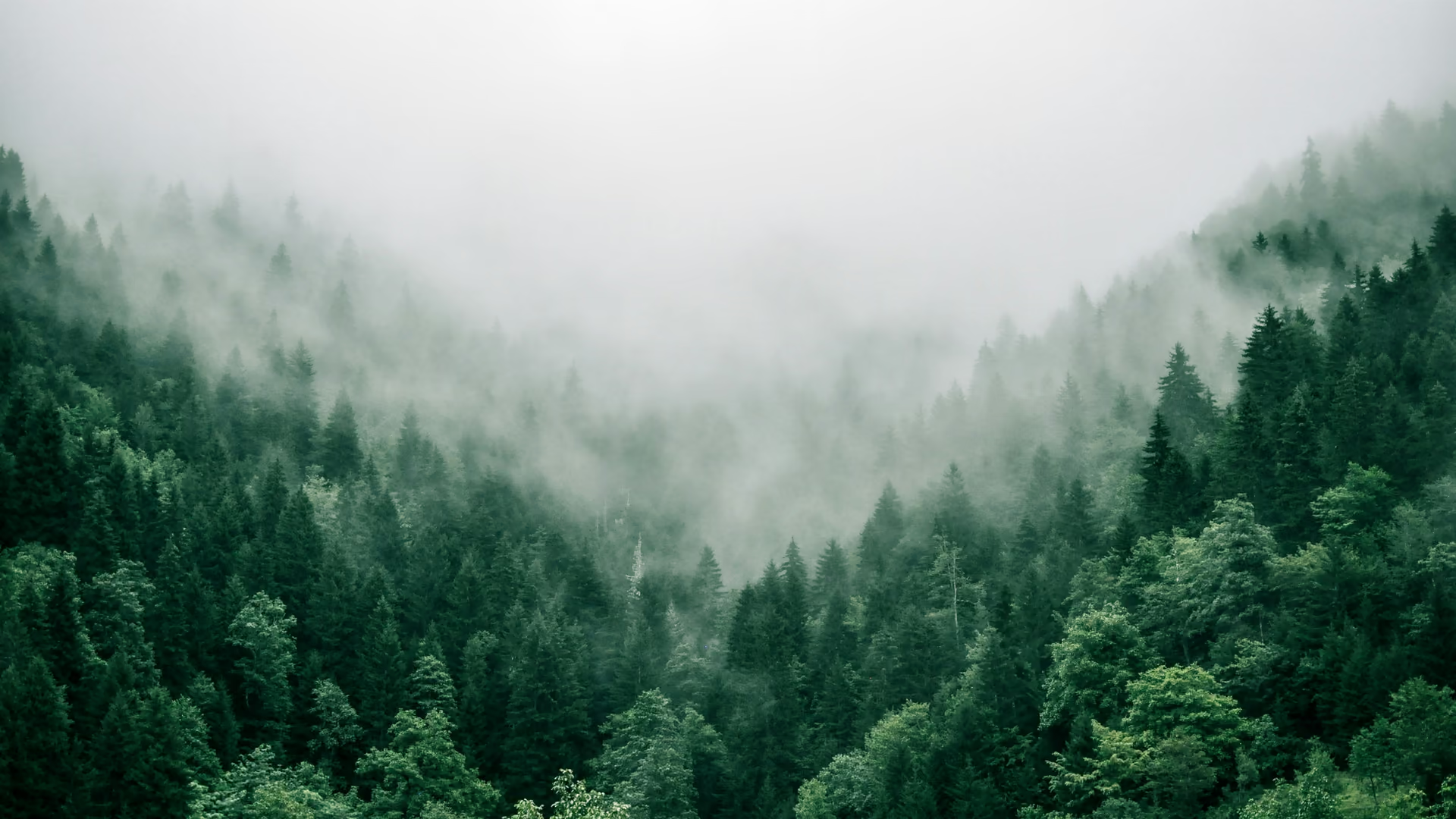
Transparent AVIF to PNG
21.8 KiB AVIF → 226.6 KiB PNG
10.4× larger than the AVIF sample. Check transparent and semi-transparent edges on light and dark backgrounds.
FREE ONLINE IMAGE CONVERTER
Convert still AVIF images to PNG directly in your browser. Keep transparent backgrounds, preview the result, and download files individually or as a ZIP—without uploading images.
Static AVIF only · 25 MB and about 24 megapixels each · Up to 20 files or 100 MB at a time
Your files stay on your device and are never uploaded to our server.
CONVERTER SPECS
Key formats, limits, and privacy details for this converter.
| Input / output | Still AVIF (.avif) → PNG (.png); animated AVIF is not supported |
|---|---|
| Transparency & size | Keeps transparent backgrounds and original pixel dimensions (no auto-resize) |
| PNG compression | Lossless PNG output (cannot restore detail already lost in the source AVIF) |
| Desktop limits | 20 files / 100 MiB batch; 25 MiB and 24 MP per image |
| Mobile limits | 10 files / 50 MiB batch; 10 MiB and 12 MP per image |
| Privacy & downloads | Processed locally in your browser (no uploads). Download single PNGs or a batch ZIP — free, no sign-up. |
THREE STEPS
Drop still .avif files into the uploader, or try a sample image first.
Conversion runs locally in your browser. Open the side-by-side comparison to inspect transparent edges at 100% zoom.
Download each image individually or save the whole batch as a ZIP.
REAL FILE RESULTS
Download either sample pair below to inspect transparency, image quality, and real file sizes — or run them directly in the converter above.
21.8 KiB AVIF → 226.6 KiB PNG
10.4× larger than the AVIF sample. Check transparent and semi-transparent edges on light and dark backgrounds.
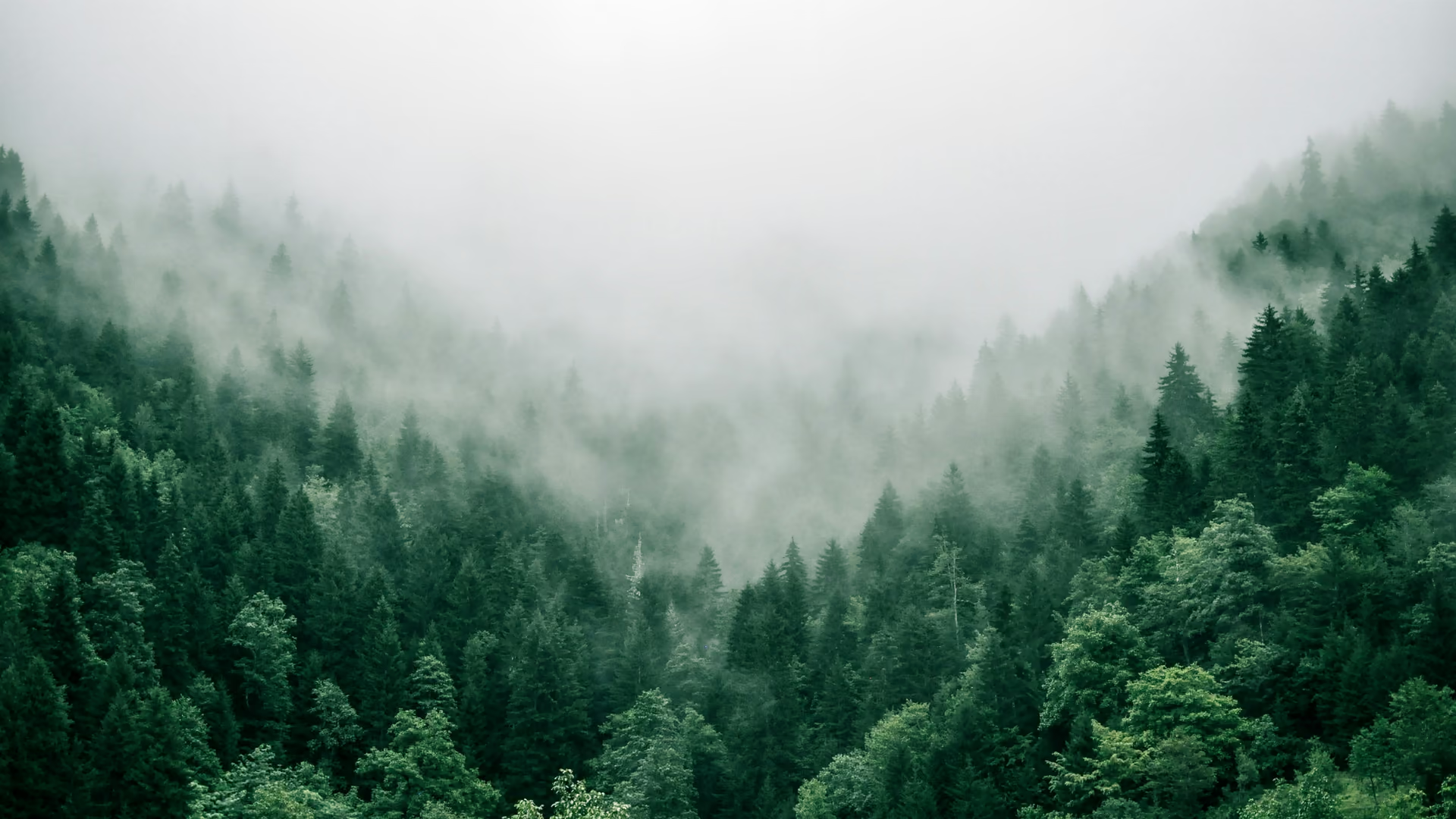
111.6 KiB AVIF → 2.02 MiB PNG
18.5× larger than the AVIF sample. Detailed photos often grow noticeably larger as lossless PNG.
| Sample | Dimensions | Original AVIF | Converted PNG | Size ratio |
|---|---|---|---|---|
| Transparent AVIF to PNG | 1254 × 1254 | 21.8 KiB | 226.6 KiB | 10.37× |
| Photo AVIF to PNG | 1920 × 1080 | 111.6 KiB | 2.02 MiB | 18.52× |
TRANSPARENCY
Yes. Any transparent background in your AVIF stays transparent in the converted PNG (this tool converts the image as-is and doesn’t remove solid backgrounds). That makes PNG ideal for logos, stickers, and UI graphics you want to use in design or presentation apps.
Toggle the white and dark backgrounds below to check the transparent edges on our sample PNG, or open the side-by-side comparison after converting your own file.
WHAT LOSSLESS MEANS
The output PNG uses lossless compression, so saving it won’t add new compression artifacts. However, converting to PNG can’t recover detail already lost in the original AVIF, and browser conversion doesn’t copy EXIF camera tags, ICC color profiles, or HDR data.
For color-critical work, keep your original AVIF alongside the PNG. For everyday logos and graphics, check the preview before replacing the original.
FILE SIZE
AVIF compresses photos far more tightly than lossless PNG, so PNG outputs are often much larger — especially for detailed photographs. Even at a larger size, PNG is usually the better pick when you need transparency or plan to edit the image.
If you want a smaller, broadly compatible photo without transparency, use AVIF to JPG. After editing, you can also convert PNG back to AVIF for smaller web files.
CHOOSE YOUR FORMAT
| Feature | AVIF (source) | PNG (this tool) | JPG (AVIF to JPG) |
|---|---|---|---|
| Transparent areas | Supported | Kept when present | Replaced by a solid background |
| Compression | Lossy or lossless AVIF | Lossless PNG | Lossy JPEG |
| Typical file size | Smallest for web delivery | Can be much larger, especially for photos | Usually smaller than PNG for photos |
| Editing compatibility | Varies by app and version | Widely supported by editors and office tools | Widely supported; no transparency |
| Animation | Supported by the format | Still PNG output here | Still JPG output here |
| Best choice | Modern web images | Transparent assets, editing, document graphics | Photos and smaller sharing files |
Keep AVIF for fast modern websites. Choose PNG when you need a transparent image or want to edit it in Photoshop, Figma, Canva, PowerPoint, or Word. For photos that don’t need transparency, AVIF to JPG gives you much smaller files.
COMMON QUESTIONS
Choose one or more still AVIF files (or try a sample), wait a moment for the local conversion, and download each PNG or all ready files as a ZIP.
Yes. It is free with no sign-up, and everything runs locally in your browser — your images are never uploaded to our servers.
Yes. If your AVIF already has a transparent background, the PNG keeps it. (This tool converts the image as-is and does not remove solid backgrounds.) Check semi-transparent edges on white and dark backgrounds in the preview.
The output PNG uses lossless compression, so saving it adds no extra compression loss. It cannot recover detail already lost in the original AVIF, and HDR or wide-color images may shift slightly depending on your browser.
AVIF compresses photos much more tightly than lossless PNG, so PNG files are often noticeably larger — especially for photographs. If you do not need transparency and want a smaller file, use our AVIF to JPG converter instead.
Choose PNG for transparent logos, graphics you plan to edit, or document assets. Choose JPG for photos when you do not need transparency and want a smaller file.
Yes. PNG is supported across Photoshop, Canva, Figma, PowerPoint, Word, and virtually all other design and office apps.
No. Every image converts at its original width and height. Files above the size or megapixel limit are skipped with a message instead of being resized automatically.
Yes. Convert up to 20 files at once on desktop (10 on mobile) within the limits listed above, then download individual PNGs or a single ZIP.
No. This tool handles still AVIF images only. To keep animation, use our AVIF to WebP or AVIF to GIF converter.
No. Browser conversion saves standard PNG image data and does not copy original EXIF camera tags, ICC color profiles, or 10-bit HDR data. Keep your original AVIF if you need that metadata.
The file may be damaged, animated, over the size limit, or unsupported in your current browser. Try an up-to-date Chrome, Edge, Firefox, or Safari — your original file stays untouched.