Still AVIF to GIF
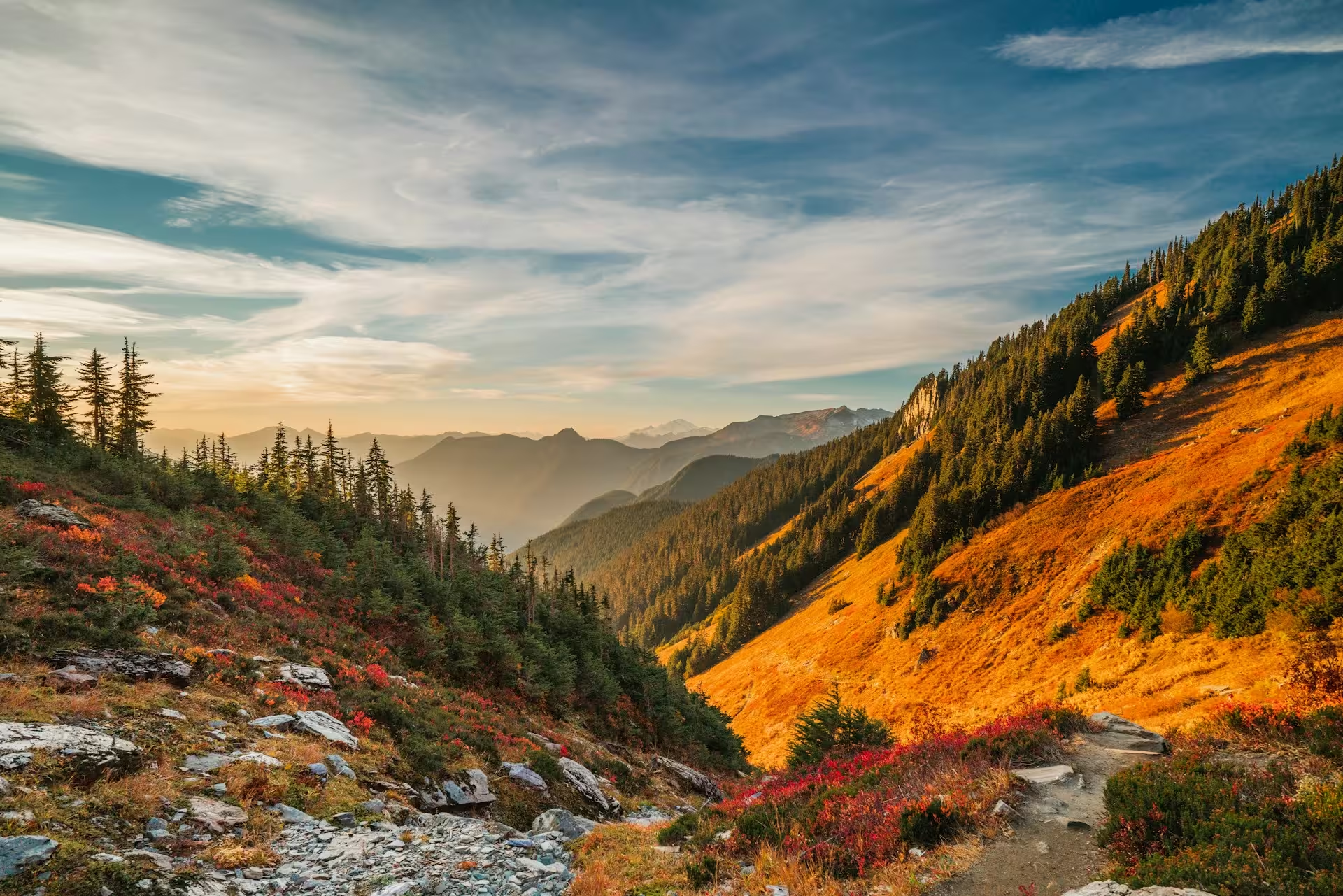
A 1920×1281 mountain landscape still AVIF — try it in the converter above to compare colors and file size.
288.1 KiB AVIF sample · 1 frame(s) · 1920×1281
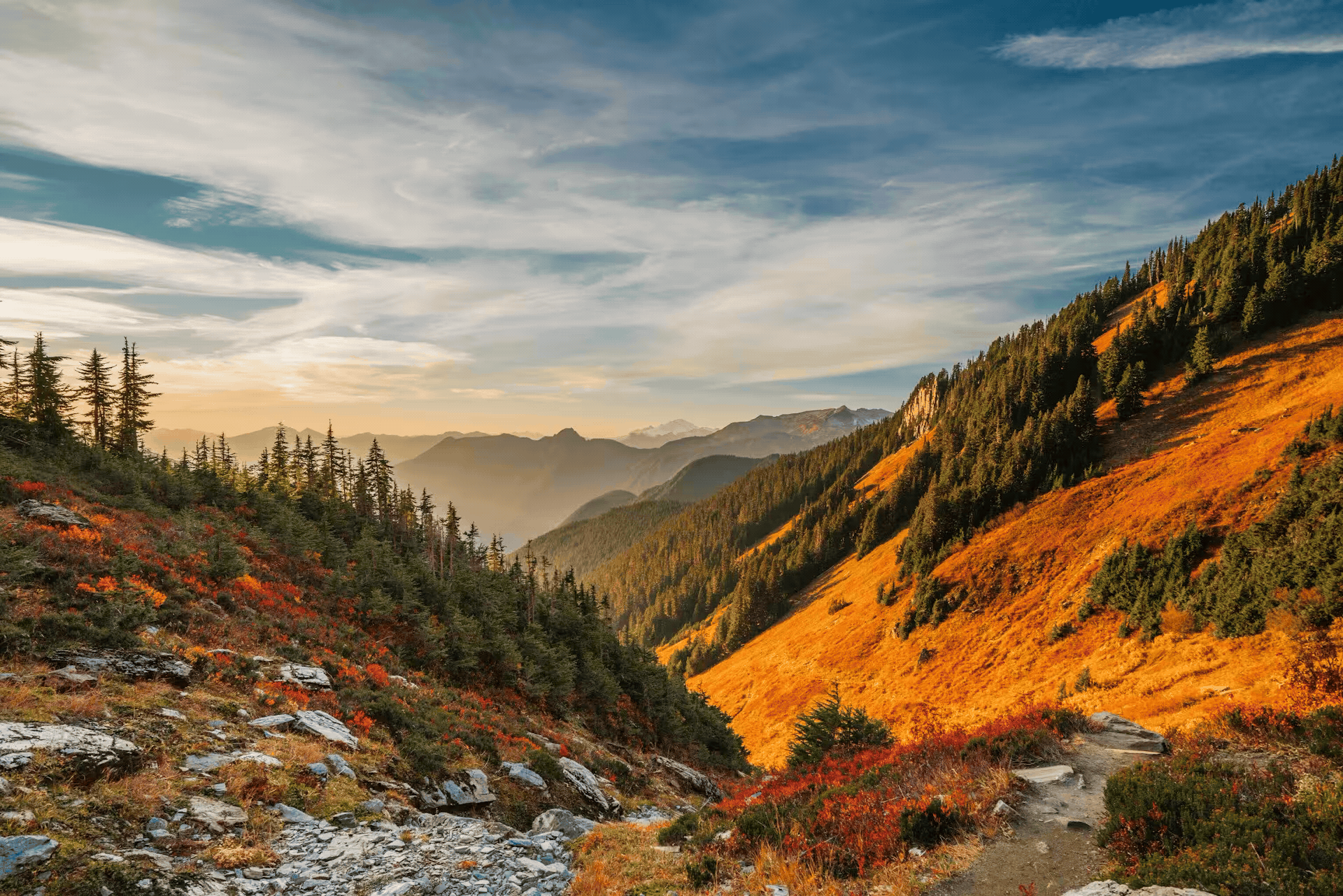
1.50 MiB preview GIF
FREE ONLINE IMAGE CONVERTER
Convert still or animated AVIF images to GIF directly in your browser. Preview the result live, adjust width, colors, speed, and looping, and download without uploading files.
Animated AVIF works best in current Chrome or Edge. Still AVIF images work in any modern browser.
Supports .avif files · No signup required · Convert multiple files · 25 MB / about 24 megapixels each · Up to 20 files or 100 MB at a time
Your files stay on your device and are never uploaded to our server.
CONVERTER SPECS
Key formats, animation controls, limits, and privacy details for this converter.
| Input / output | Still or animated .avif → still or animated .gif |
|---|---|
| GIF width | Original or custom width (16–4096 px), preserving aspect ratio |
| GIF quality / colors | High (up to 256 colors), Medium (128), or Smaller file (64) per frame |
| Playback speed | Original timing or custom speed (10–30 FPS presets; custom 1–50). Adjusts frame delay without dropping frames. |
| Loop playback | Forever, Once, or Total plays 1–100 (includes the first play) |
| GIF transparency | Cutout transparency (fully transparent areas kept; soft edges become crisp) |
| Animation budget | Up to 500 frames and 48 million total frame pixels (subject to device memory) |
| Desktop limits | 20 files, 100 MiB per batch; 25 MiB and 24 MP per image |
| Mobile limits | 10 files, 50 MiB per batch; 10 MiB and 12 MP per image |
| Privacy & downloads | Processed locally in your browser (no uploads). Download single GIFs or a batch ZIP — free, no sign-up. |
THREE STEPS
Drop still or animated .avif files into the uploader, or try a sample first.
Conversion runs locally in your browser. Open the side-by-side preview to check motion, colors, and transparent edges.
Save one GIF, tweak width or colors if needed, or download the whole batch as a ZIP.
SAMPLE FILES
Download either AVIF sample and its preview GIF below, or click Try still AVIF or Try animated AVIF above to run them through the converter and inspect the live GIF output.
A 1920×1281 mountain landscape still AVIF — try it in the converter above to compare colors and file size.
288.1 KiB AVIF sample · 1 frame(s) · 1920×1281
1.50 MiB preview GIF
An 800×600 forty-four-frame animated AVIF loop — try it in the converter above to test playback speed, width, and loop settings.
24.3 KiB AVIF sample · 44 frame(s) · 800×600
379.8 KiB preview GIF
| Sample | AVIF size (bytes) | Preview GIF (bytes) | Frames |
|---|---|---|---|
| Still AVIF to GIF | 295,032 | 1,570,883 | 1 |
| Animated AVIF to GIF | 24,862 | 388,908 | 44 |
MULTI-FRAME CONVERSION
Yes. In browsers that support animated AVIF (such as Chrome and Edge), this tool converts every frame into a looping animated GIF rather than flattening it to a single still image.
By default, your animation keeps its original speed and loops forever. Because GIF stores timing in 10 ms steps, playback speed can round slightly across apps — check the live preview above before downloading.
OUTPUT CONTROLS
Keep the original width or scale it down (height adjusts automatically). Narrower dimensions are the fastest way to shrink large animated GIFs.
High uses up to 256 colors per frame, Medium uses 128, and Smaller file uses 64. Fewer colors shrink simple graphics nicely, while photos and gradients may show banding.
Original keeps your animation’s timing as closely as GIF allows. Changing playback speed adjusts the delay on each frame without dropping frames. Total plays counts the first play; Forever loops continuously.
TRANSPARENCY
GIF supports simple cutout transparency, not soft semi-transparent edges — so soft shadows or feathered borders can look sharper after conversion. Open the side-by-side preview above to check edges on checkerboard, white, and dark backgrounds.
For smooth transparency in animations, use AVIF to animated WebP when supported. For transparent still images, choose AVIF to PNG.
FILE SIZE
AVIF compresses animations far more tightly than GIF, so converted GIFs can be noticeably larger — especially for colorful clips or photos.
To make a GIF smaller, start by reducing Width and choosing Medium or Smaller file quality. Lowering playback speed only changes frame delays without removing frames, so it won’t shrink the file on its own.
CHOOSING THE BEST OUTPUT
| Feature | AVIF | GIF (this tool) | WebP |
|---|---|---|---|
| Still pictures | Supported | Supported | Supported |
| Animation | Supported by the format | Supported | Supported |
| Color | Rich color detail | Up to 256 colors per frame | Rich color detail |
| Transparency | Smooth transparency | Simple cutout transparency (hard edges) | Smooth transparency |
| File size | Smallest | Often much larger | Usually smaller than GIF |
| Best use | Modern web delivery | Apps and platforms requiring .gif | Modern animation with richer color and smooth edges |
Choose GIF when a platform specifically requires a .gif file. For modern animations with smooth transparency and more colors, try animated WebP. Keep AVIF if the app or site receiving the image already accepts it.
COMMON QUESTIONS
Drop a still or animated AVIF file into the converter, wait a moment for the local conversion, preview your GIF, and download it. You can also download multiple GIFs together in one ZIP.
Yes. It is free with no sign-up, and everything runs locally in your browser — your files are never uploaded to our server.
Yes — animated AVIF works best in current Chrome or Edge. If your browser cannot read animated AVIF frames, you will see a clear error instead of a silently flattened first frame.
Lower the output width and switch Quality to Medium (128 colors) or Smaller file (64 colors). Note that changing playback speed only adjusts frame timing without removing frames, so it will not shrink file size on its own.
AVIF compresses animations and photos much more tightly than GIF, so converted GIFs can be larger depending on dimensions, colors, and motion. Check the output size next to each result before downloading.
GIF supports simple cutout transparency (fully transparent or solid), not soft semi-transparent edges. Fully transparent backgrounds stay clear, while soft shadows or feathered borders may look sharper. For smooth animated transparency, try AVIF to WebP.
Yes. The Original setting keeps your animation timing as closely as the GIF format allows (GIF rounds frame delays to 10 ms steps, so playback can vary slightly across apps). Changing playback speed adjusts the delay on each frame.
No. Changing playback speed adjusts how long each frame stays on screen without dropping frames, so it makes the animation play slower or faster rather than trimming frames.
Forever loops continuously, and Once plays through a single time. A custom Total plays count includes the first play — for example, setting 3 plays the animation three times total.
GIF supports at most 256 colors per frame (128 at Medium, 64 at Smaller file), so smooth gradients and photos can show visible banding. For full-color or smoothly transparent animation, use animated WebP.
Animations can have up to 500 frames and 48 million total pixels across all frames, within your device’s file-size and memory limits.
Choose GIF when an app, email client, or platform specifically requires a .gif file. Choose animated WebP when supported and you want richer color, smooth transparency, and smaller files.
Still AVIF images work in most modern browsers. Animated AVIF works most reliably in current Chrome or Edge; if your browser cannot open animated AVIF frames yet, try Chrome, Edge, or a still image.